
After almost five years of daily driving GrapheneOS, I thought I'd rant write about it.
I switched to GrapheneOS from iOS in the summer of 2021. Apple was deploying code to iOS that would scan pictures on my (and everyone else's) Apple device. Apple's plan for that code: if it saw an image that was concerning, Apple would directly notify the police. This technology, in addition to being an attack on my privacy, was ripe for authoritarian abuse. This move by Apple made it clear to me that they didn't give a shit about my privacy. And in the summer of 2021, if you couldn't trust Apple with your privacy, you couldn't trust any of them.
So where did that leave us?
I'll tell you where it left us. If you truly cared about your right to privacy, it left us with GrapheneOS. In short, GrapheneOS is an Android build that is directly downstream of the Android Open Source Project (AOSP). They take the unadulterated mobile OS before Google gets their evil hands on it, they add some privacy respecting goodies and settings, and wrap it up with a bow that includes an extremely easy installation process. Now don't confuse GrapheneOS with other so called "de-Googled" Android OSs. Most - all - of the others are not even close to the level of privacy and Google-independence found in GrapheneOS. Then, and still now, GrapheneOS only supports Google Pixel phones. So unfortunately, I had to buy a new or used Pixel. But that's where the downsides ended for me.
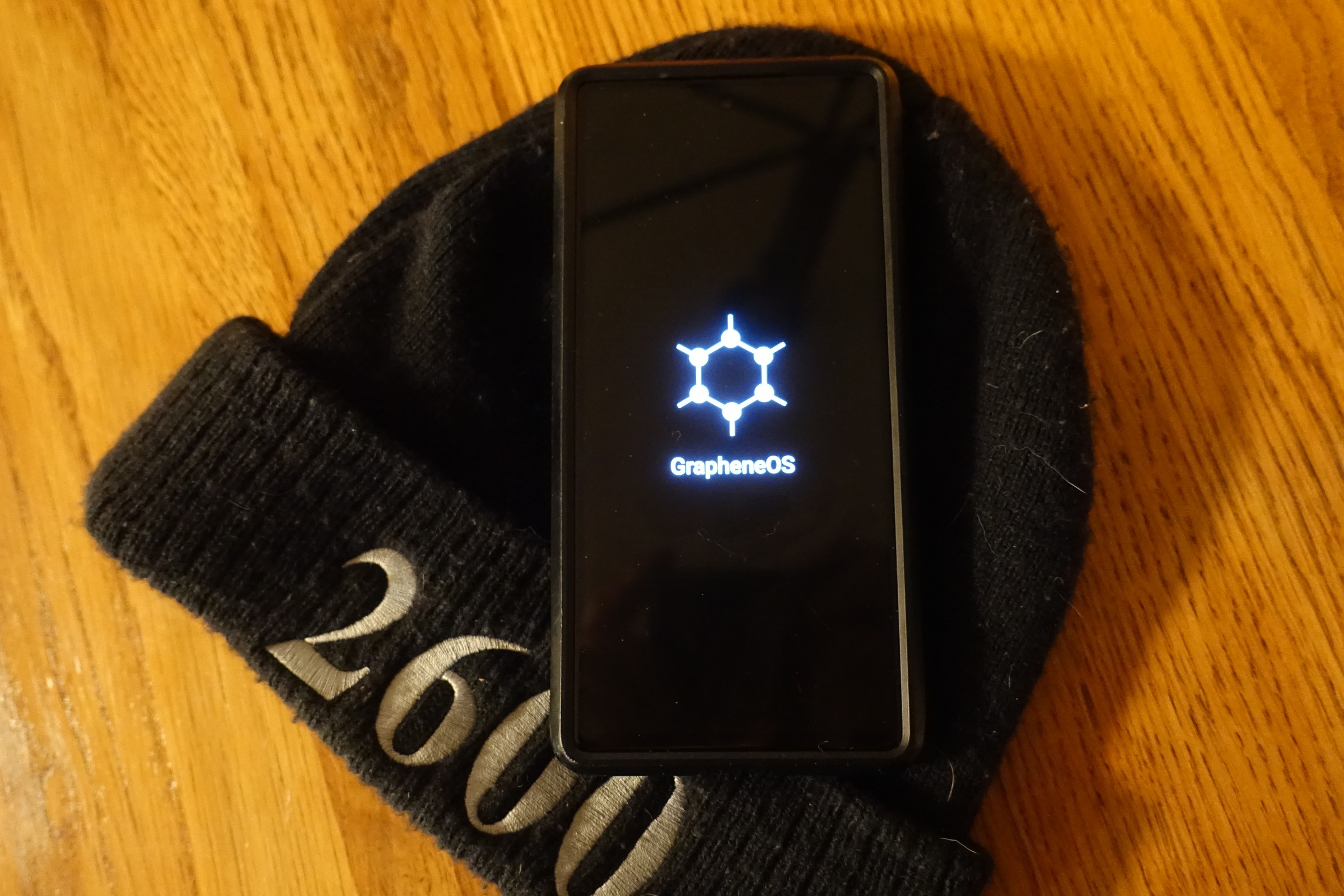
After installation of GrapheneOS, you have a usable Android that is completely void of Google Play Services. And the story can stop there if you like. You can download F-droid (you should no matter what!) and live a truly free life of open source goodness, liberated from the prison of big tech and their abuse. Install Signal direct from APK. Keep it niche ✌️
Some (many) mainstream apps require Google Play Services to operate. Not all apps require it in practice (even though some claim they do), but many apps work only partially or not at all without Play Services. And since GrapheneOS cuts Google out before they have a chance to oxidize your freedom, Play Services is not included by default. How will you know if you need it? Just install the app you want. If it doesn't work, you can almost guarantee it's because you don't have Play Services installed. If you want to remedy that, GrapheneOS has your back. They've included a one-touch install option for Play Services in the native GrapheneOS App Store. Now you might say, "wait - if I install Play Services on GrapheneOS, won't I be giving up all my freedom and independence from Google?" To which I would reply, "well, not exactly. I mean - don't install Play Services if you don't need it. But if you decide you do, then read on!"
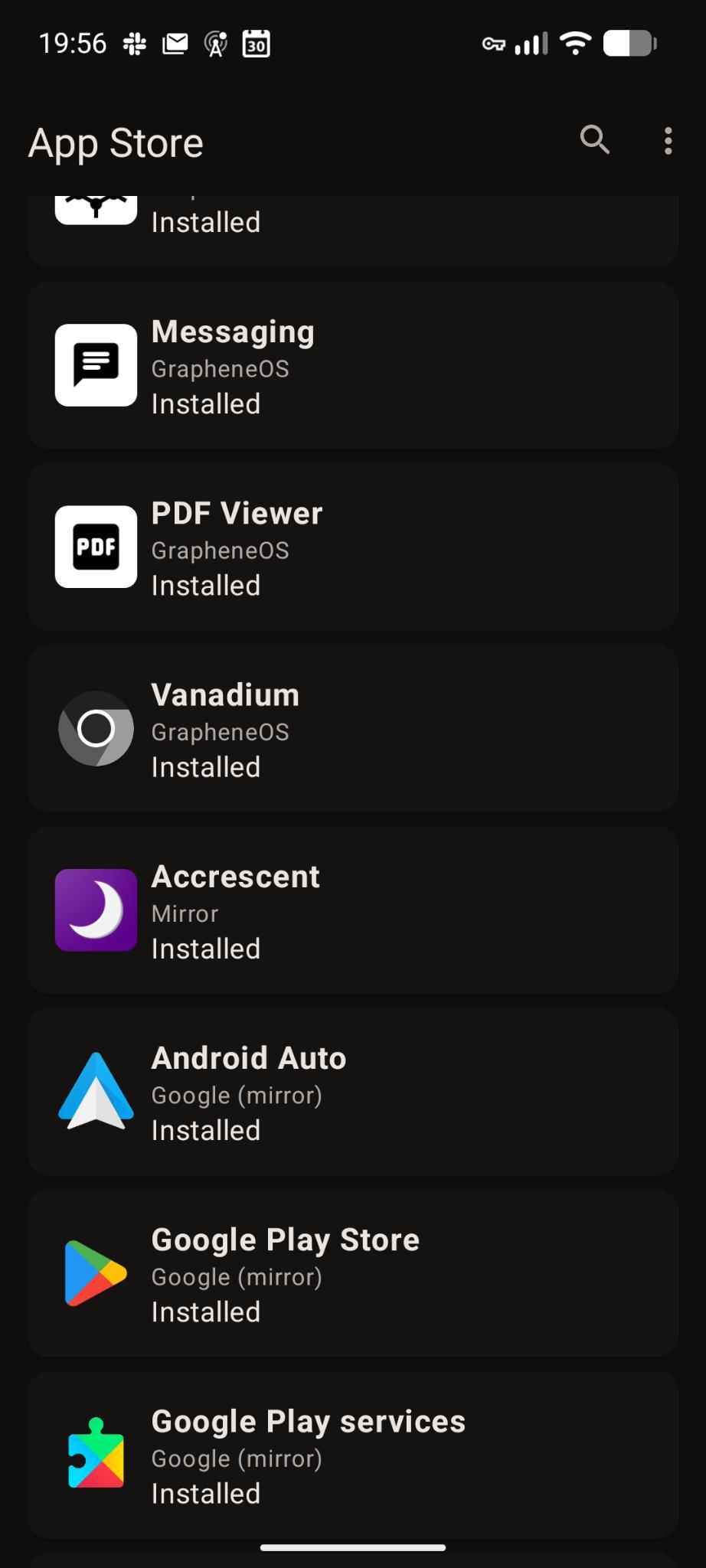
Look, it's not inevitable. Avoiding Play Services altogether may work for you. The more time you spend doing it, the more you learn how doable it actually is! But Me? Unfortunately, I wanted to run some mainstream apps that didn't have any open source equivalents. I didn't want to install the Play Store because, well, fuck Google. And as it turned out, the internet gaveth (and still giveth) in the form of the Aurora Store! It's a wrapper around the Play Store's APIs that logs you in using a pool of sacrificial Google accounts. Then you can install apps from the Play Store anonymously without ever logging into your Google account (if you even have one). It's finicky from time to time, but it usually works very well and it may answer all of your Play Store needs.
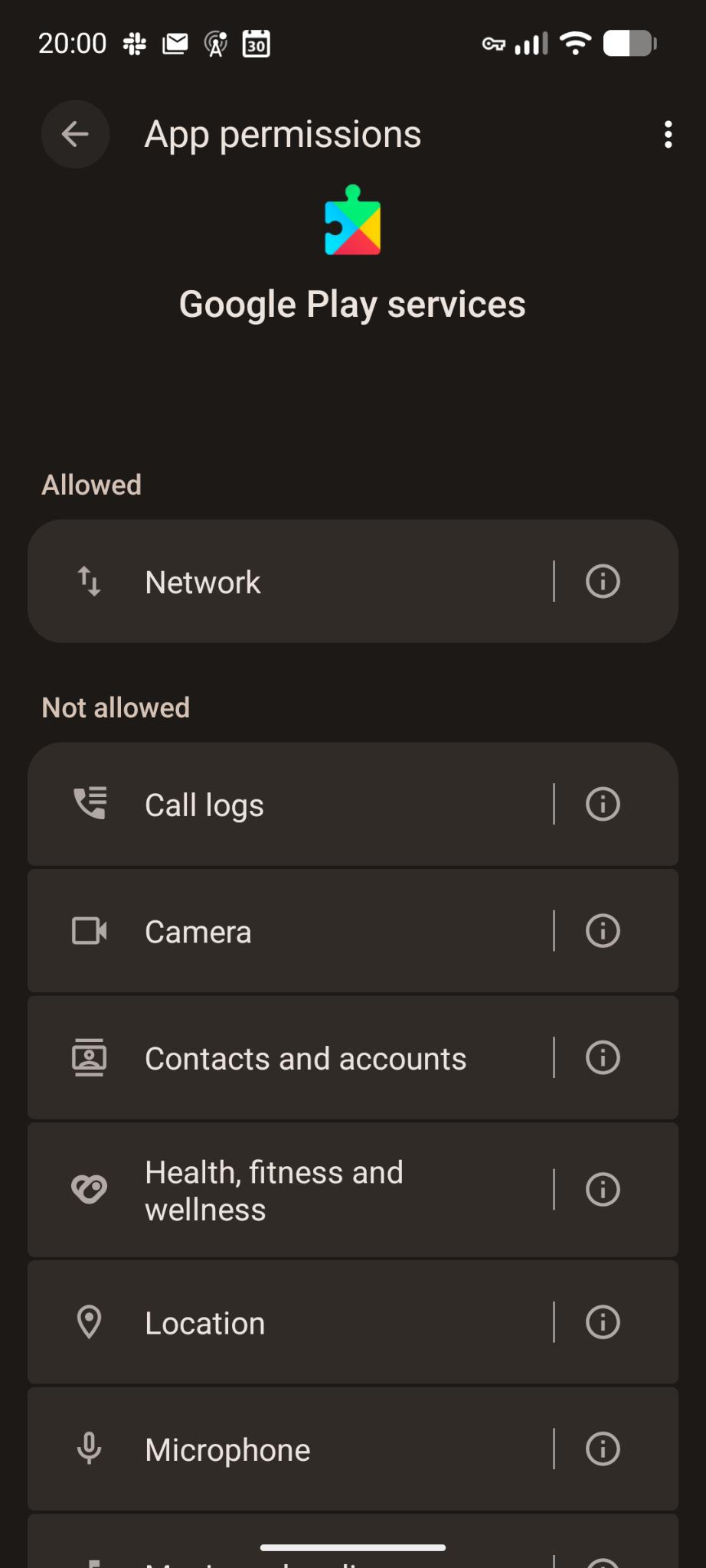
See, Play Services usually has heightened privileges on Android installations. That allows Play Services to peer into all kinds of interactions you have with and among apps that depend on it (and you can bet that Google finds every way to extract value from recording your activities, interactions, and interests to target ads at you both on their properties and on others'). GrapheneOS has graciously implemented a compatibility layer that fakes Play Services into thinking it has its usual heightened privileges. But it actually has no more privileges than any other app running in user space on the OS. You can read more about it here, but the bottom line is if you decide to install Play Services on GrapheneOS, you are using it in the most privacy-respecting way available. And you are retaining full control over its access to your device and its sensors. GrapheneOS has caged the infectious Google disease in a way where you don't need to know or care that it's there, yet you are protected from it. And honestly, doesn't Google only deserve to operate in a caged environment where we individuals have all the controls? The answer is yes.
If you ultimately decide you need the official Google Play Store, GrapheneOS has you covered there too. In addition to the sandboxed Google Play services available in the native App Store, they also have the Google Play Store itself. However, now you will finally need to log in to something with a Google Account. Again, should you do this? Well, not if you don't have to. But if you must (maybe you want to install an app you must pay for, and that app is only available through the Google Play store), then this is still the most privacy-respecting way to do it. The Play Store and its dependency, Play Services, are both running as user-space applications; they are sandboxed with you in control of their access to all of your device's resources and sensors. I know, none of us want the Stranger Things Upside Down tentacle-laden Google Play Store or Play Services on our devices. But hey, sometimes our friends are stuck in the Upside Down and the only way to find them is to dare to confidently venture into Vecna's territory. At least we do so knowing full-well the Matrix we are entering.
I will have more to say about GrapheneOS in future posts, but I'll wrap this up now by plainly stating the following. I use GrapheneOS as my daily mobile OS. There isn't anything I am unable to do, and I recommend it to everyone. Not everyone will prefer it, and I respect that. Just make sure your device (and the software that runs on it) respects you.